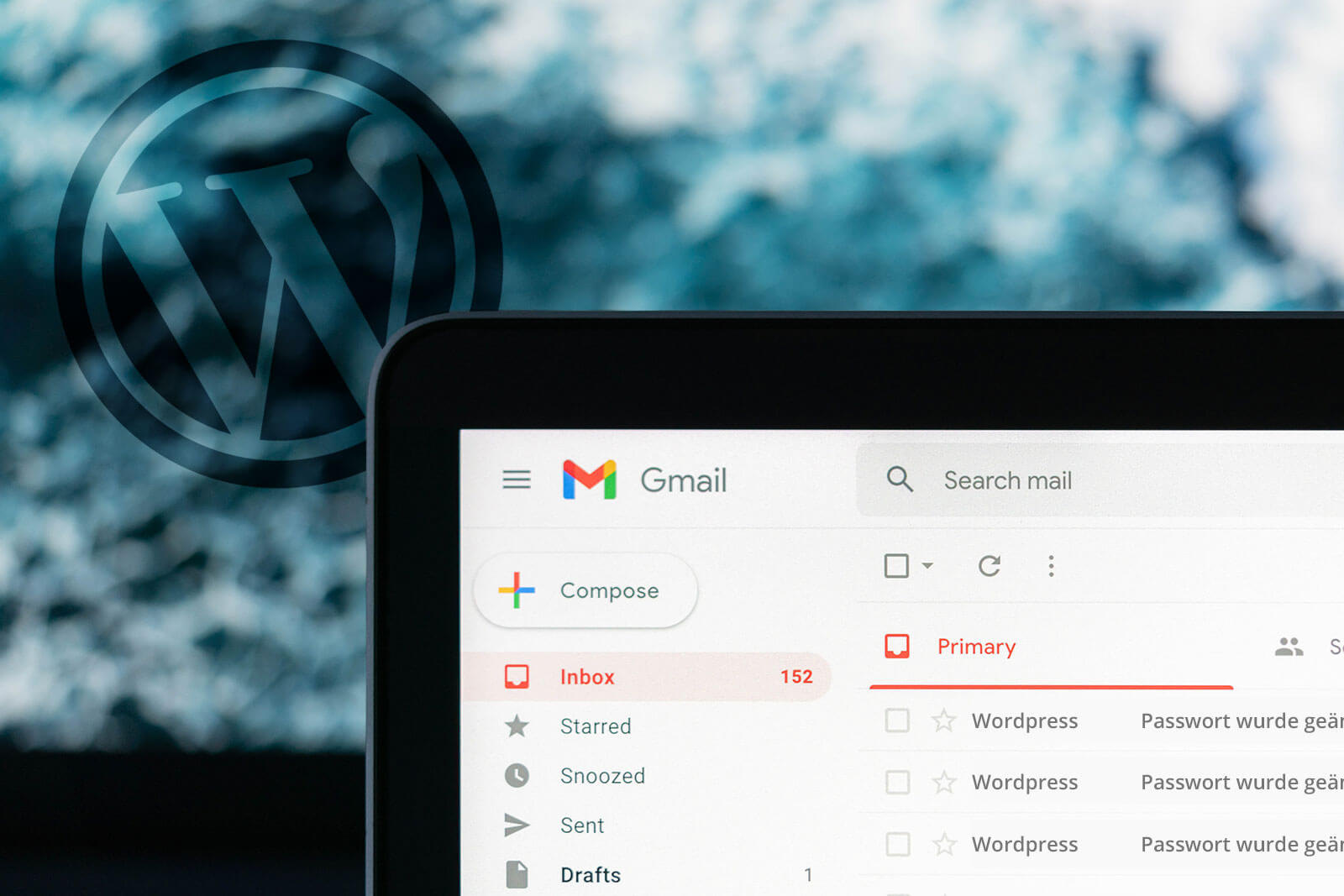
As an admin, do you want to stop getting email notifications when a user has changed their password? Then this article could be very interesting for you 😉
By default, WordPress sends emails to the admin’s email address when a user has changed their password. This is for security reasons, to be alerted if the user’s password has been changed by a hacker. This makes sense for smaller websites where the number of users is manageable. For larger websites with multiple users, such as communities or stores, this can be annoying if the inbox is constantly filled with these emails.
How to turn off this email notification?
Unfortunately, there is not simply a setting in WordPress where you can simply turn off these notifications. Therefore it is necessary to include a small script here.
However, the following script does not work if you simply add it to the functions.php file. The script must be installed and activated as a plugin.
To do this, simply open a code editor and paste the following code, save the file as a PHP file and upload it via FTP (some hosts also have a web FTP interface to upload files) to the „/wp-content/plugins“ folder.
<?php
/*
Plugin Name: Disable Admin Notification
Description: disables admin notifications via email
Version: 1.0
Author: AS WEB STUDIO
*/

/**
 * Disable Admin Notification of User Password Change
 *
 */

if ( ! function_exists( 'wp_password_change_notification' ) ) {
    function wp_password_change_notification( $user ) {
        return;
    }
}
?>
After you have uploaded the file, you should find your created plugin in your WordPress backend under „Plugins“. Then simply activate it there.
And that’s it!
From now on, you will no longer receive emails when one of your users changes their password.And that’s it!From now on, you will no longer receive emails when one of your users changes their password.


3 Responses
Very useful tutorial! Those WordPress email notifications can be really annoying for admins. This snippet saves a lot of inbox clutter.
Oh boy, what am I doing wrong? This code snippet doesn’t create a plugin in my WP 6.4.3 – even when saved php-file is saved in an extra folder in /plugins. May I ask you for a hint?
could you activate it in the backend through the plugins?
I just updated the code so you can find it with the plugin name