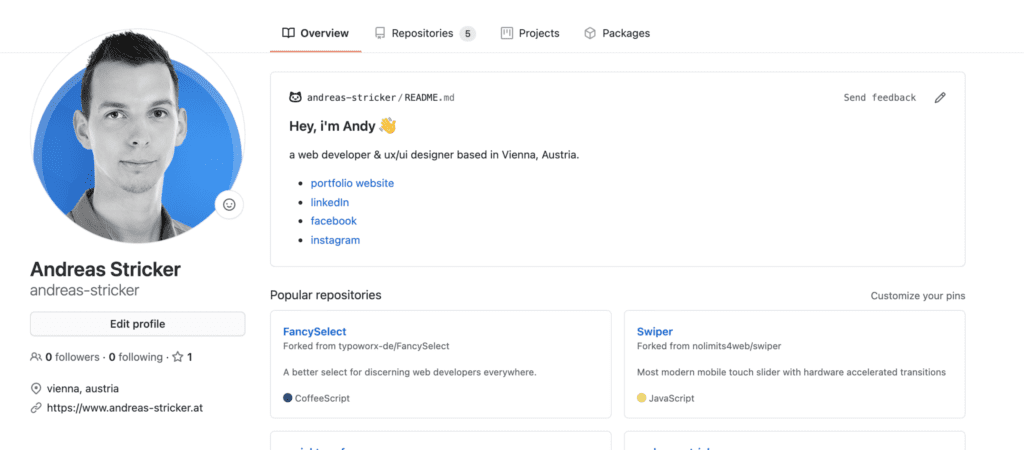
Neither you are selfdeployed or just looking for jobs – companies will take a look at your GitHub profile page. There’s just a small area on the left of the page to introduce yourself so it’s not easy to stand out with the profile page. But there is a trick to present your skills on top of the page with a readme file.
How to get this readme?
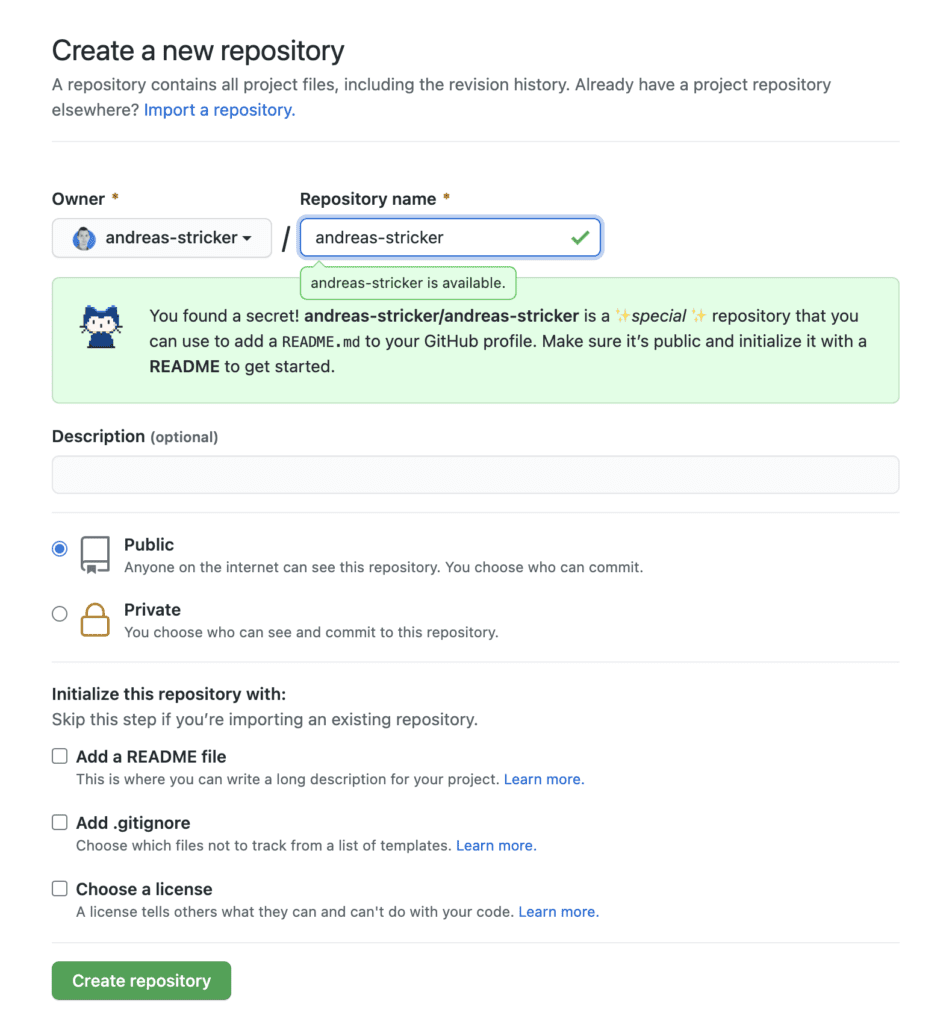
At first set up a new repository and name it as your github username. It’s important that the repository name is written exactly like your username. A secret message will popup that you have found a secret.
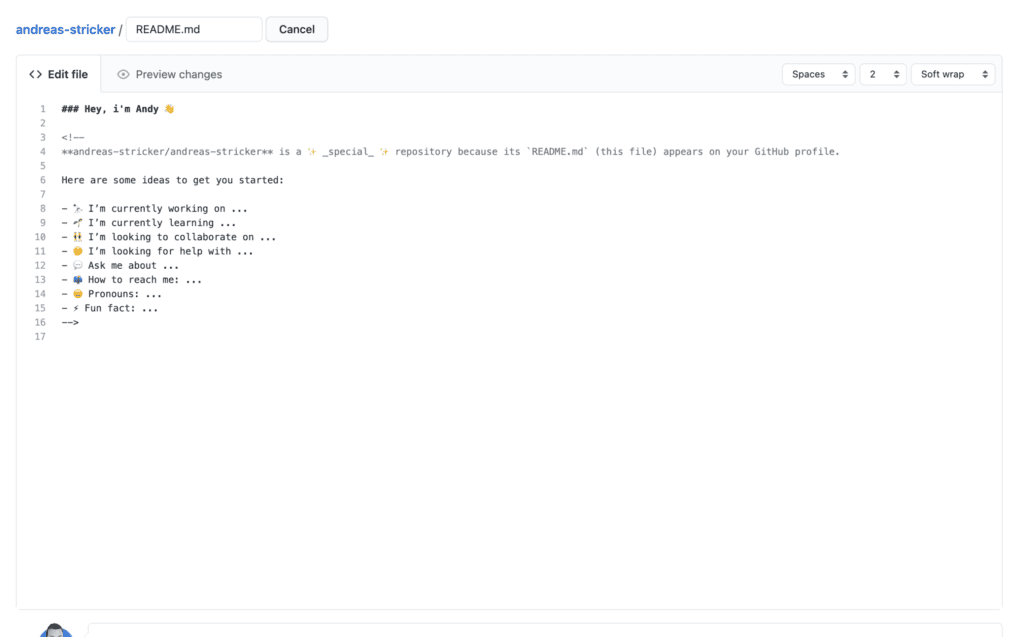
After creating your new repository you just have to add a readme file to it. It will be pre-filled with an intro text which you can complete or just delete it and write your own introduction and infos about you.
Voila! You got an intro area on top of your GitHub profile page.